Extending Nitro with Plugins: How to Build and Ideas for Real World Use

By Vantol Bennett
Author
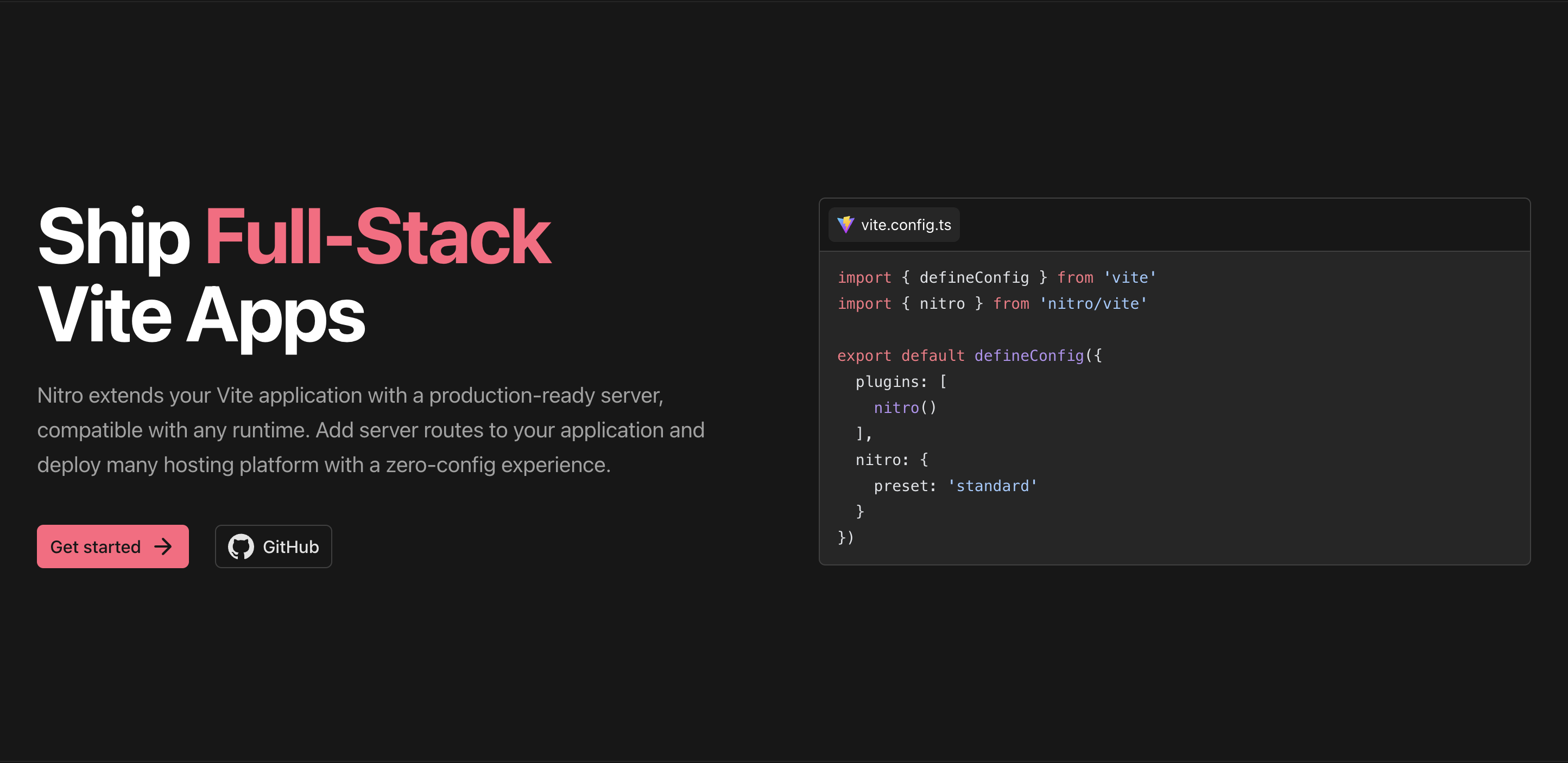
Introduction
Nitro is a lightweight, runtime-agnostic server framework that lets you build fast APIs and backends deployable anywhere. But what happens when you need more than basic routes? That’s where Nitro plugins come in — a powerful way to hook into Nitro’s runtime and extend its behavior.:contentReferenceoaicite:1
In this post we’ll cover:
- What Nitro plugins are
- How to create one
- Useful plugin ideas you can build for real applications
Main Content
What Are Nitro Plugins?#
Nitro plugins allow you to extend Nitro’s runtime behavior in a modular and reusable way. They’re executed when the server starts and can hook into internal lifecycle events, letting you react to incoming requests, errors, responses, and more. Nitro registers plugins automatically from your server/plugins/ directory or ones you list in the Nitro config.:contentReferenceoaicite:2
How to Create a Simple Nitro Plugin#
Creating a Nitro plugin starts with the defineNitroPlugin function. Plugins receive the nitroApp context — the runtime environment you can interact with.
For example, a simple plugin that logs when the server starts could look like:
// server/plugins/logger.ts
export default defineNitroPlugin((nitroApp) => {
  console.log("Nitro server initialized!")
})
Nitro runs your plugin as part of server initialization. You can even register plugins from custom directories by adding them to nitro.config.ts.([nitro.build]2)
Using Nitro Lifecycle Hooks#
Plugins become especially powerful when you use lifecycle hooks. Nitro exposes several event hooks that let you react to server behavior — from incoming requests to errors and responses.([nitro.build]2)
Here’s a plugin that logs every request URL:
// server/plugins/request-logger.ts
export default defineNitroPlugin((nitroApp) => {
  nitroApp.hooks.hook("request", (event) => {
    console.log(`[Request] ${event.method} ${event.path}`)
  })
})
And you can also hook into errors to capture and log them:
// server/plugins/error-catcher.ts
export default defineNitroPlugin((nitroApp) => {
  nitroApp.hooks.hook("error", (error, { event }) => {
    console.error(`Error at ${event.path}:`, error)
  })
})
Plugin Ideas You Can Build Today#
Here are a handful of practical Nitro plugin ideas you could build into your app — especially handy for real projects like an e-commerce backend, food truck API, or admin dashboard API.
📊 1. Request Metrics & Analytics Plugin#
Track performance of your endpoints in real time.
- Count hits per route
- Record timing and latency
- Write structured logs or push to analytics back end
Example benefit: track how many orders per hour your API gets and surface performance bottlenecks.
🔐 2. API Key / Token Validation Plugin#
Centralize API key checks before your route handlers run.
// server/plugins/api-auth.ts
export default defineNitroPlugin((nitroApp) => {
  nitroApp.hooks.hook("request", (event) => {
    const key = event.headers.get("x-api-key")
    if (!isValidKey(key)) {
      throw createError({ statusCode: 401, statusMessage: "Unauthorized" })
    }
  })
})
This saves you from adding auth logic inside each route and ensures consistent security.
📦 3. Response Caching Plugin#
A plugin that caches successful GET responses in memory or Redis to speed up repeat calls.
Useful for endpoints like menus or business hours that don’t change often.
Example concept:
- Check cache on request
- Bypass expensive data work if present
- Store responses with TTL
📥 4. Request Body Sanitizer Plugin#
Automatically sanitize or validate JSON bodies before they hit route handlers.
This helps enforce stricter API contracts and cleaner data at the router level.
nitroApp.hooks.hook("request", (event) => {
  sanitize(event.body)
})
🛠 5. Feature Flag & Config Plugin#
Load feature flags or custom runtime config from environment, remote store, or a file, and broadcast them server-wide.
Example: enable/disable special holiday menus, seasonal pricing, or debug logging without code changes.
When Plugins Run#
Nitro plugins execute once during server startup and the hooks you register can fire at various points during request processing — giving you centralized control over behavior, logging, auth, or data flow.([v3.nitro.build]1)
Conclusion
Nitro’s plugin system gives you the flexibility to extend your server logic beyond basic routes — letting you implement logging, auth, caching, monitoring, and more in reusable packages.
If you’re building an API that needs observability, security, or business logic centralized in one place, plugins make Nitro even more powerful without complicating your routes.🚀
Let me know if you want tutorial examples for those plugin ideas!
Share this post
Stay Updated
Get the latest posts delivered straight to your inbox.
