Building a Teacher's Grading Toolkit with Vite+

By Vantol Bennett
Author
Introduction
Teachers spend hours every week calculating grades, curving scores, and converting percentages to letter grades. Most of this work happens in spreadsheets with fragile formulas that break the moment a student is added out of order.
What if we packaged those utilities as a reusable TypeScript library — something any teacher or school app developer could npm install and use?
In this post, we'll build teacher-toolkit — an npm package for grade calculations — using Vite+ and its vp pack command. No Webpack config. No tsconfig gymnastics. Just code, test, and ship.
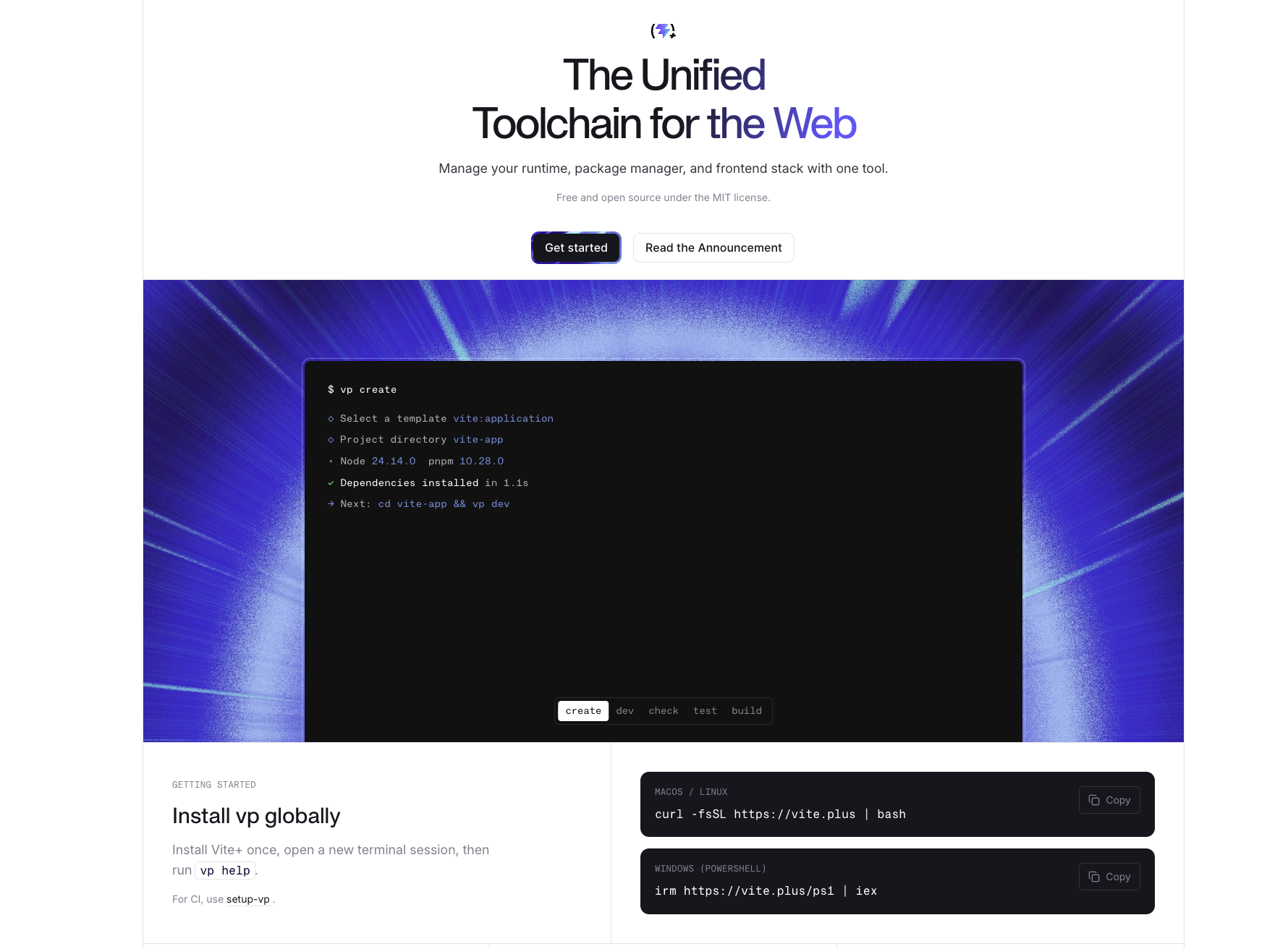
This tutorial assumes you have Vite+ installed. If not, run curl -fsSL https://vite.plus | bash and open a new terminal.
What We're Building
A lightweight TypeScript library that provides:
- Letter grade conversion — percentage to A/B/C/D/F
- Weighted grade calculation — combine homework, exams, participation
- Score curving — boost grades based on class highest score
- GPA conversion — letter grades to 4.0 scale
- Class statistics — mean, median, standard deviation
All with full type safety and zero dependencies.
Step 1: Scaffold the Library
Vite+ has a built-in library template. Run:
vp create vite:library -- teacher-toolkit
vp install
This gives us a project structure like:
teacher-toolkit/
  src/
    index.ts        # Entry point
  vite.config.ts
  package.json
  tsconfig.json
Step 2: Define the Types
Create src/types.ts:
export interface GradeScale {
  letter: string;
  min: number;
  max: number;
  gpa: number;
}

export interface WeightedComponent {
  name: string;
  score: number;
  weight: number;
}

export interface ClassStats {
  mean: number;
  median: number;
  stdDev: number;
  highest: number;
  lowest: number;
  count: number;
}
Step 3: Build the Core Utilities
Letter Grade Conversion#
import type { GradeScale } from './types';

const DEFAULT_SCALE: GradeScale[] = [
  { letter: 'A', min: 90, max: 100, gpa: 4.0 },
  { letter: 'B', min: 80, max: 89, gpa: 3.0 },
  { letter: 'C', min: 70, max: 79, gpa: 2.0 },
  { letter: 'D', min: 60, max: 69, gpa: 1.0 },
  { letter: 'F', min: 0, max: 59, gpa: 0.0 },
];

export function toLetterGrade(
  percentage: number,
  scale: GradeScale[] = DEFAULT_SCALE
): string {
  const clamped = Math.max(0, Math.min(100, percentage));
  const match = scale.find(s => clamped >= s.min && clamped <= s.max);
  return match?.letter ?? 'F';
}

export function toGPA(
  percentage: number,
  scale: GradeScale[] = DEFAULT_SCALE
): number {
  const letter = toLetterGrade(percentage, scale);
  const match = scale.find(s => s.letter === letter);
  return match?.gpa ?? 0;
}
Weighted Grade Calculation#
import type { WeightedComponent } from './types';

export function weightedAverage(components: WeightedComponent[]): number {
  if (components.length === 0) return 0;

  const totalWeight = components.reduce((sum, c) => sum + c.weight, 0);
  if (totalWeight === 0) return 0;

  const weighted = components.reduce(
    (sum, c) => sum + c.score * c.weight,
    0
  );

  return Math.round((weighted / totalWeight) * 100) / 100;
}
A teacher can use this like:
const finalGrade = weightedAverage([
  { name: 'Homework', score: 88, weight: 0.3 },
  { name: 'Midterm', score: 76, weight: 0.3 },
  { name: 'Final Exam', score: 82, weight: 0.4 },
]);
// => 81.8
Score Curving#
export function curveByHighest(
  scores: number[],
  targetHigh: number = 100
): number[] {
  const highest = Math.max(...scores);
  if (highest >= targetHigh) return scores;

  const boost = targetHigh - highest;
  return scores.map(s => Math.min(100, s + boost));
}

export function curveByMean(
  scores: number[],
  targetMean: number = 75
): number[] {
  const mean = scores.reduce((a, b) => a + b, 0) / scores.length;
  const shift = targetMean - mean;
  return scores.map(s => Math.max(0, Math.min(100, s + shift)));
}
Class Statistics#
import type { ClassStats } from './types';

export function classStats(scores: number[]): ClassStats {
  if (scores.length === 0) {
    return { mean: 0, median: 0, stdDev: 0, highest: 0, lowest: 0, count: 0 };
  }

  const sorted = [...scores].sort((a, b) => a - b);
  const count = sorted.length;
  const sum = sorted.reduce((a, b) => a + b, 0);
  const mean = sum / count;

  const mid = Math.floor(count / 2);
  const median = count % 2 === 0
    ? (sorted[mid - 1] + sorted[mid]) / 2
    : sorted[mid];

  const variance = sorted.reduce((acc, s) => acc + (s - mean) ** 2, 0) / count;
  const stdDev = Math.round(Math.sqrt(variance) * 100) / 100;

  return {
    mean: Math.round(mean * 100) / 100,
    median,
    stdDev,
    highest: sorted[count - 1],
    lowest: sorted[0],
    count,
  };
}
Step 4: Wire Up the Entry Point
export { toLetterGrade, toGPA } from './grades';
export { weightedAverage } from './weights';
export { curveByHighest, curveByMean } from './curve';
export { classStats } from './stats';
export type { GradeScale, WeightedComponent, ClassStats } from './types';
Step 5: Write Tests
Create src/grades.test.ts:
import { describe, it, expect } from 'vitest';
import { toLetterGrade, toGPA } from './grades';
import { weightedAverage } from './weights';
import { curveByHighest, curveByMean } from './curve';
import { classStats } from './stats';

describe('toLetterGrade', () => {
  it('converts percentages to letter grades', () => {
    expect(toLetterGrade(95)).toBe('A');
    expect(toLetterGrade(83)).toBe('B');
    expect(toLetterGrade(72)).toBe('C');
    expect(toLetterGrade(65)).toBe('D');
    expect(toLetterGrade(40)).toBe('F');
  });

  it('clamps out-of-range values', () => {
    expect(toLetterGrade(110)).toBe('A');
    expect(toLetterGrade(-5)).toBe('F');
  });
});

describe('toGPA', () => {
  it('converts to 4.0 scale', () => {
    expect(toGPA(92)).toBe(4.0);
    expect(toGPA(85)).toBe(3.0);
    expect(toGPA(55)).toBe(0.0);
  });
});

describe('weightedAverage', () => {
  it('calculates weighted grade', () => {
    const result = weightedAverage([
      { name: 'Homework', score: 90, weight: 0.4 },
      { name: 'Exam', score: 80, weight: 0.6 },
    ]);
    expect(result).toBe(84);
  });

  it('returns 0 for empty input', () => {
    expect(weightedAverage([])).toBe(0);
  });
});

describe('curveByHighest', () => {
  it('curves scores up to target', () => {
    const curved = curveByHighest([70, 80, 90], 100);
    expect(curved).toEqual([80, 90, 100]);
  });

  it('does not curve if highest already meets target', () => {
    const scores = [70, 80, 95];
    expect(curveByHighest(scores, 100)).toEqual(scores);
  });
});

describe('classStats', () => {
  it('calculates stats correctly', () => {
    const stats = classStats([90, 80, 70, 60, 50]);
    expect(stats.mean).toBe(70);
    expect(stats.median).toBe(70);
    expect(stats.highest).toBe(90);
    expect(stats.lowest).toBe(50);
    expect(stats.count).toBe(5);
  });
});
Run the tests:
vp test
✅ Vitest Is Built In
No extra install or config. vp test picks up .test.ts files automatically using the same transform pipeline as your source code.
Step 6: Configure Packaging
Update vite.config.ts:
import { defineConfig } from 'vite-plus';

export default defineConfig({
  pack: {
    entry: ['src/index.ts'],
    dts: true,
    format: ['esm', 'cjs'],
    sourcemap: true,
  },
});
This tells Vite+ to:
- Generate TypeScript declaration files (
.d.ts) - Output both ESM and CJS formats
- Include source maps for debugging
Step 7: Build the Package
vp pack
You'll see output like:
CLI Building entry: src/index.ts
ESM dist/index.js     2.1 kB
CJS dist/index.cjs    2.2 kB
DTS dist/index.d.ts   1.4 kB
✓ Pack completed in 94ms
vp pack uses tsdown under the hood — powered by Rolldown, which itself is written in Rust. That's why it's fast.
Step 8: Publish to npm
Update package.json with the essentials:
{
  "name": "teacher-toolkit",
  "version": "1.0.0",
  "description": "Grade calculation utilities for teachers",
  "type": "module",
  "main": "dist/index.cjs",
  "module": "dist/index.js",
  "types": "dist/index.d.ts",
  "exports": {
    ".": {
      "import": "./dist/index.js",
      "require": "./dist/index.cjs",
      "types": "./dist/index.d.ts"
    }
  },
  "files": ["dist"],
  "license": "MIT"
}
Then publish:
npm publish
Using the Package
Once published, any teacher or developer can install it:
npm install teacher-toolkit
import { toLetterGrade, weightedAverage, curveByHighest, classStats } from 'teacher-toolkit';

// Convert a score
toLetterGrade(87);              // => "B"

// Calculate a final grade
const final = weightedAverage([
  { name: 'Quiz', score: 92, weight: 0.2 },
  { name: 'Project', score: 78, weight: 0.3 },
  { name: 'Final', score: 85, weight: 0.5 },
]);                             // => 84.2

// Curve a set of exam scores
const curved = curveByHighest([62, 74, 81, 90]);  // => [72, 84, 91, 100]

// Get class overview
classStats([90, 82, 75, 68, 55]);
// => { mean: 74, median: 75, stdDev: 12.49, highest: 90, lowest: 55, count: 5 }
Full Workflow Recap
vp create vite:library -- teacher-toolkit   # Scaffold
vp install                                   # Install deps
vp check                                     # Format + lint + type-check
vp test                                      # Run tests
vp pack                                      # Build for npm
npm publish                                  # Ship it
Six commands. Zero config files beyond vite.config.ts.
Why Vite+ for Libraries?#
With vp pack, you get DTS generation, dual ESM/CJS output, and source maps without touching Rollup, tsup, or unbuild configs. The Vitest and Oxc integrations mean testing and linting are already part of the workflow.
Ideas to Extend This Package
- Letter grade with +/- — A+, A, A-, B+, etc.
- Rubric scoring — multi-criteria evaluation helpers
- Attendance percentage — days present vs. total
- Assignment deadline tracker — date math utilities
- Export to CSV — grade reports for school systems
Conclusion
Vite+ makes it trivial to go from idea to published package. The vite:library template, built-in Vitest, and vp pack remove the usual friction of library authoring — no build config rabbit holes, no DTS plugin debugging.
For teachers and education developers, this means you can spend your time solving real problems (grade calculations, student analytics) instead of fighting tooling.
Ship the package. Help a teacher.
Share this post
Stay Updated
Get the latest posts delivered straight to your inbox.

